Previs to Photorealistic: Camera-Locked Video Generation with LTX 2.3
How to use LTX-2.3 IC-LoRA Motion Track Control with an Unreal Engine previs render and FLUX.2 [klein] control frames to generate near-photorealistic video that follows a locked camera path. Heavily inspired by N0NSen and Ernest Mariné.
Low-quality Unreal previs on the left; near-photorealistic LTX 2.3 output on the right — same camera path throughout.
Key takeaways
- An Unreal previs render gives the LTX motion track a precise camera path — the generated output follows it exactly.
- FLUX.2 [klein] control frames define the visual look at key moments; LTX synthesises the frames between them.
- The workflow separates camera intent (Unreal) from aesthetic intent (FLUX.2 [klein]) — each can be adjusted independently.
What This Workflow Does
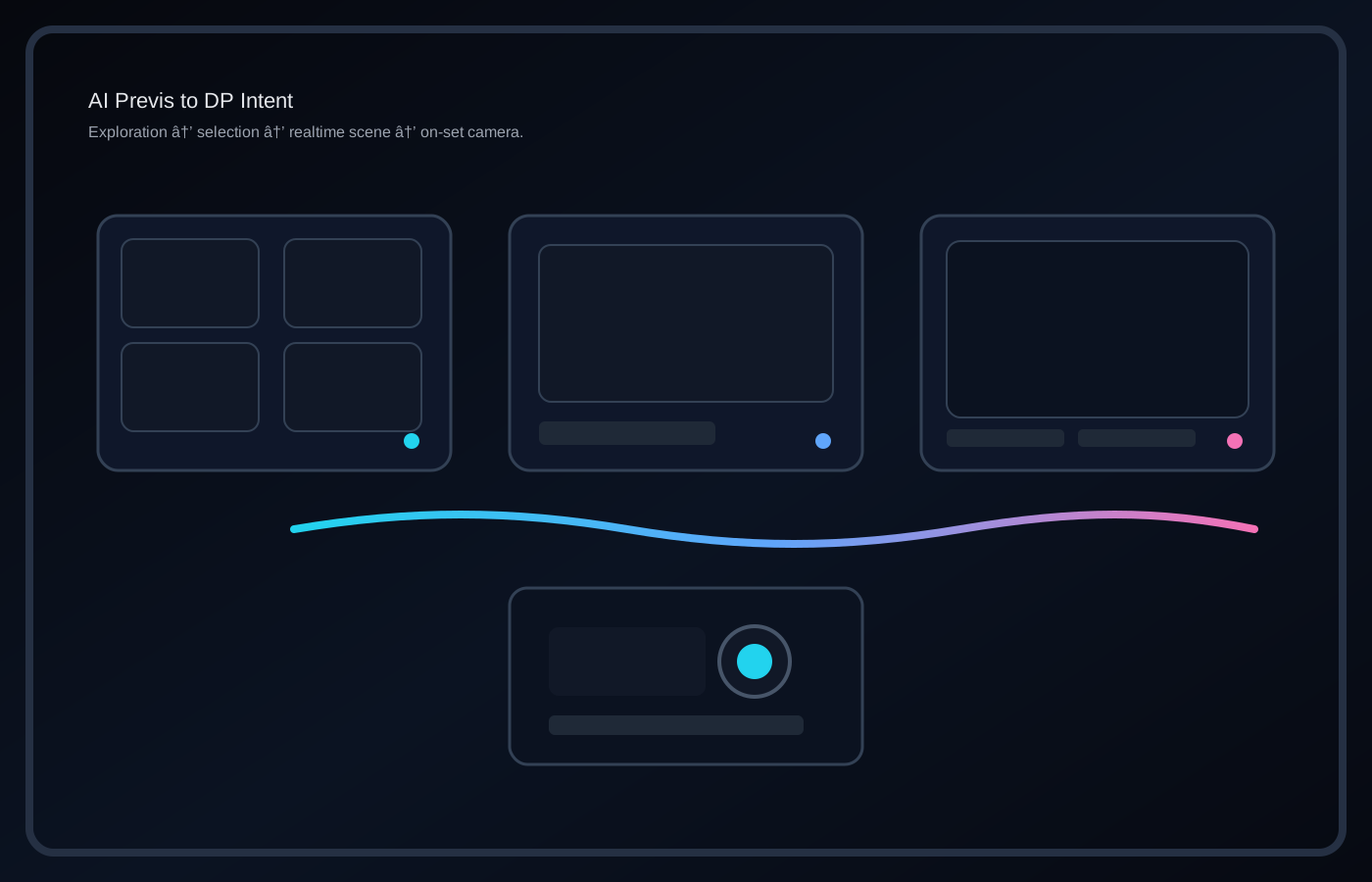
Standard AI video generation gives you loose control over camera movement — you describe it, and the model approximates it. This workflow solves that by using a low-quality Unreal Engine render as a motion track: the camera path is locked in Unreal first, then fed into LTX-2.3's IC-LoRA as the reference video. FLUX.2 [klein] generates keyframes that define the visual look at the start, middle, and end of the shot. LTX synthesises a near-photorealistic video that respects both the camera motion from Unreal and the aesthetic framing from the keyframes.
The Pipeline
Three tools, three distinct jobs.
- Unreal Engine — defines the camera. Block the shot, lock the move, render a low-quality video. Resolution and visual quality don't matter here — this output is the motion reference, not the final image.
- FLUX.2 [klein] — defines the look. Generate control frames for the start, middle, and end of the shot. FLUX.2 [klein] is a 9B rectified flow transformer that produces high-quality images in four steps, making it fast enough to iterate on keyframes without breaking the workflow.
- LTX-2.3-22b IC-LoRA Motion Track Control — synthesises the final video. The Unreal render provides motion spline trajectories; the FLUX.2 [klein] frames provide image conditioning via the IC-LoRA nodes.
Step 1 — Lock the Camera in Unreal
Build the shot in Unreal at whatever fidelity makes sense for blocking — rough assets, basic lighting, placeholder set dressing. The only thing that matters is the camera: position, move, lens. Render a video at the target output resolution. This becomes the motion track reference for LTX, so the camera path needs to be final before moving to the next step. Any change to the camera after this point means re-running the full pipeline.
Step 2 — Control Frames with FLUX.2 [klein]
Use FLUX.2 [klein] to generate still images for at least the first and last frame of the shot. Adding a middle frame gives LTX a stronger anchor for longer or more complex moves — the model has less distance to interpolate between conditioning points, which produces more consistent output. Prompt for the visual style, lighting, and subject you want the final video to reflect. These frames don't need to be technically perfect, but their composition should align with the camera framing established in the Unreal render.
Step 3 — LTX 2.3 IC-LoRA
The base workflow is N0NSens' IC-LoRA setup from the LTX ComfyUI channel, modified to accept the Unreal video as the motion track input and the FLUX.2 [klein] frames as image conditioning. The IC-LoRA adapter (ltx-2.3-22b-ic-lora-motion-track-control) is loaded via LTXICLoRALoaderModelOnly and the reference video and conditioning frames are passed through LTXAddVideoICLoRAGuide. The Unreal video provides the motion spline trajectories; the FLUX.2 [klein] frames condition the output at the specified positions in the sequence. LTX 2.3 generates the final video against both constraints.
Notes
Why Unreal over a drawn motion path: drawing spline trajectories manually is faster to set up but loses the physical camera properties — focal length, depth of field, parallax from a real dolly or crane move. An Unreal render bakes all of that in automatically.
- LTX 2.3 vs earlier versions: LTX 2.0 produces usable results with this approach but output consistency — particularly across longer sequences and complex motion — is noticeably weaker. LTX 2.3 holds the conditioning frames more faithfully and handles camera motion with less drift between keyframes.
- Iteration speed: FLUX.2 [klein]'s four-step inference makes keyframe iteration fast. Adjust a control frame, re-run LTX, compare. The Unreal camera path stays fixed throughout, so you're only iterating on the look — not the motion.